

Savings
Save with confidence.
Reach your goals with savings account options designed to help you grow your money and build a stronger foundation. Open online or visit us in person to get started.



Reach your goals with savings account options designed to help you grow your money and build a stronger foundation. Open online or visit us in person to get started.
We'll help you find the best accounts to fit your savings goals.
Choose from everyday savings, higher-yield Money Market, and other account options designed to match your priorities. Click any account link below for more details.

A traditional, interest-earning savings account.

A higher-interest, tiered-rate option ideal for customers with larger balances.
Interest-earning rewards savings accounts.
Linked Star Rewards checking account required. Qualifications apply.


Early withdrawal penalties apply.
A savings option to help you manage the costs related to high-deductible healthcare plans.

Your OakStar savings account includes access to intuitive digital banking, streamlined savings tools, and personalized support whenever you need it.
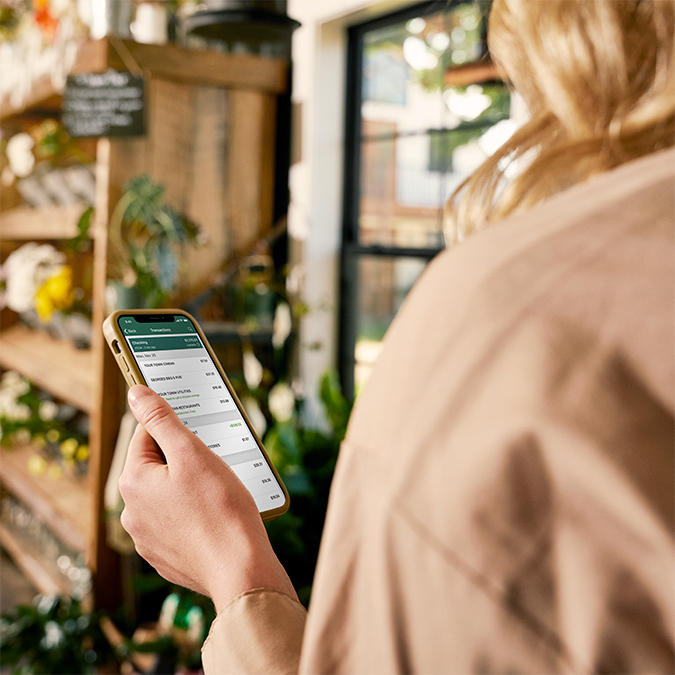
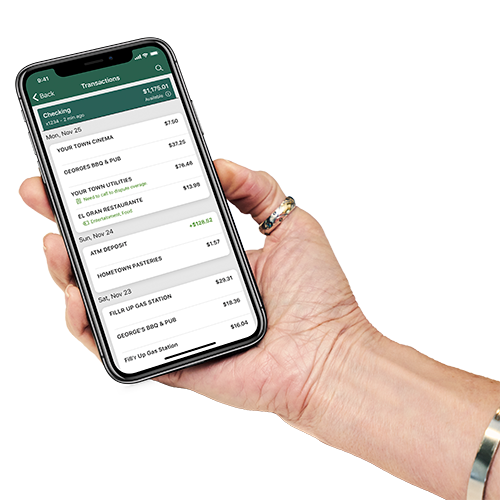
With OakStar digital banking, your accounts are always at your fingertips. Enroll today for access online or through the OakStar Bank Mobile app and tap into convenient tools that help you stay organized, informed, and in control every day.

When you enroll your OakStar checking account in Pocket Change, purchases made with your OakStar Visa Debit Card are automatically rounded up to the nearest dollar, and the change is deposited into your savings account.
Pocket Change
From your first account to navigating major milestones, an OakStar banking relationship gives you access to experienced professionals, 24/7 support from our team, and a trusted partner committed to your long-term goals.
Whatever you need, we're here with the accounts, services, and solutions to match your personal banking style. Open an account online, visit a branch, or connect with an OakStar team member.
Make the switch to eStatements for secure, paperless access to your account information whenever you need it. View your statement history anytime, reduce paper clutter, and help protect your personal information by reducing the risks associated with lost, stolen, or delayed mail.
quick answers
Call 417.447.0535 or message us through your digital banking dashboard for 24/7 support* from an OakStar team member.
*Closed according to holiday closures.

Digital banking brings many of the services of your local branch into one convenient experience you can access from your desktop, phone, or tablet.
You can manage accounts, move money, deposit checks, pay bills, and take care of everyday tasks—on your schedule, from wherever you are.
Most login or access issues can be resolved quickly with a few simple steps.
Try these first:
In digital banking, select the account you’re looking for and scroll to the Details section to view your routing and account numbers.
OakStar Bank’s routing number is 086519159. You can also find it at the bottom of any page on our website.
Call us immediately at 417.447.0535 to report the lost or stolen debit card and request a replacement.
Some accounts can be opened online by clicking the Get Started button in the top, right corner of each page on our website.
You may also visit your nearest OakStar to open an account in person and learn more about our account options.
Our Experience Center is here to help. Contact us by:
Calling 417.447.0535
Sending a secure message via digital banking
Emailing customerservice@oakstarbank.com
Visiting your nearest OakStar branch
Log into online banking (desktop or mobile).
Select an account and choose Settings.
Choose Statements.
Choose Sign Up/Changes.
Select the accounts you want to enroll or Enroll All Available Accounts.
Click Save Settings.

Whatever your banking style, our personal checking accounts are built to fit your everyday life. Choose from traditional, rewards, or specialty accounts that pair with your OakStar savings accounts to help you build momentum and keep moving forward.