




A customer planning for future healthcare expenses with an OakStar Bank Health Savings Accounts.

Health Savings Accounts (HSA)

Support for your health and finances.

An HSA from OakStar helps you save for qualified healthcare expenses while offering potential tax advantages. You must be enrolled in a qualifying high-deductible healthcare plan (HDHP) to open an HSA. Get started at your nearest OakStar.

Details

  • Contribute pre-tax dollars to help save on qualified healthcare expenses
  • Earnings have the potential to grow tax-free
  • Qualified medical withdrawals are generally tax-free
  • Unused funds roll over year after year
  • Savings can also be used for eligible healthcare expenses including Medicare and other healthcare coverage if you are 65 or older
  • Consult your tax advisor for qualifications and limits


Pair your HSA with these services for comprehensive financial management tailored to your priorities.

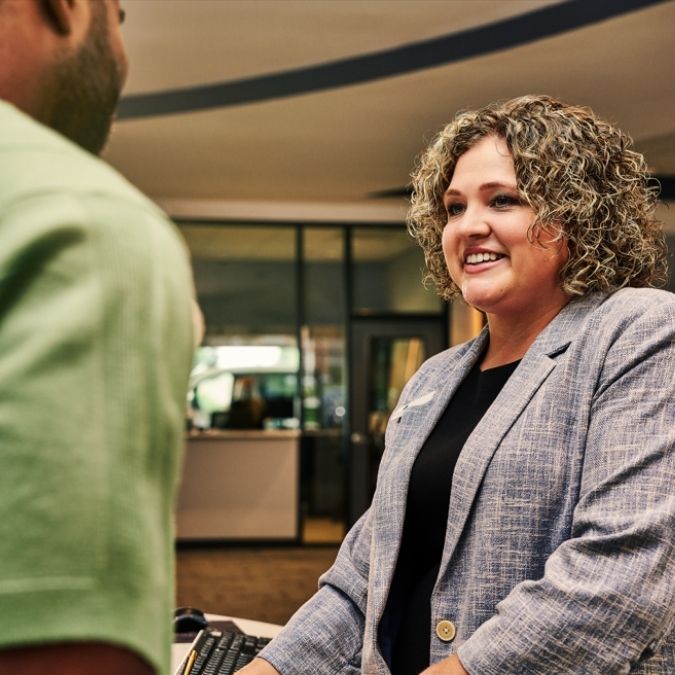
An OakStar Bank team member discussing personal savings account options with a customer.
additional savings options

Savings built for your goals.

Whatever your banking style, our personal savings accounts are built to fit your everyday life. Choose from traditional, rewards, or specialty accounts that pair with your OakStar checking accounts to help you build momentum and meet your savings goals.

explore Options

A private banking client receiving personalized financial guidance.

OakStar Private Banking

Concierge-level service.

Our team brings together personalized guidance, coordinated service, and a dedicated point of contact to help simplify your financial life.

Private Banking


bg-platinum

Ready to take your next step with OakStar?

Whatever you need, we're here with the accounts, services, and solutions to match your personal banking style. Open an account online, visit a branch, or connect with an OakStar team member to get started.


quick answers

FAQs


Call 417.447.0535 or message us through your digital banking dashboard for 24/7 support* from an OakStar team member.

*Closed according to holiday closures.

Digital banking brings many of the services of your local branch into one convenient experience you can access from your desktop, phone, or tablet.

You can manage accounts, move money, deposit checks, pay bills, and take care of everyday tasks—on your schedule, from wherever you are. 

Most login or access issues can be resolved quickly with a few simple steps.

Try these first:

  • Make sure your OakStar app is up to date. Only the most recent versions are supported.
  • Remove your profile and log in again. This clears stored login data on your device and resolves the majority of access issues. To remove your profile:
    • Press and hold the user profile icon in the top-right corner of the app.
    • When the Select profile window appears, choose the profile you want to remove.
    • Select Remove. 
    • When you log back in, you'll need your username, password, and 2FA code.
  • If you're locked out: Update your app first, then remove your profile before resetting your password.

In digital banking, select the account you’re looking for and scroll to the Details section to view your routing and account numbers.

OakStar Bank’s routing number is 086519159. You can also find it at the bottom of any page on our website.

Call us immediately at 417.447.0535 to report the lost or stolen debit card and request a replacement.

Some accounts can be opened online by clicking the Get Started button in the top, right corner of each page on our website. 

You may also visit your nearest OakStar to open an account in person and learn more about our account options.

Our Experience Center is here to help. Contact us by:

  1. Log into online banking.

  2. Select an account and choose Settings.

  3. Choose Statements.

  4. Choose Sign Up/Changes.

  5. Select the accounts you want to enroll or Enroll All Available Accounts.

  6. Click Save Settings.