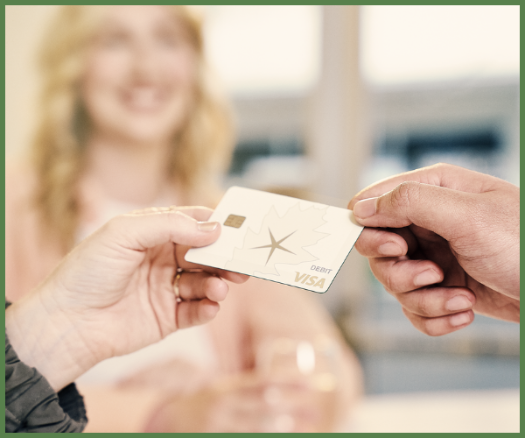



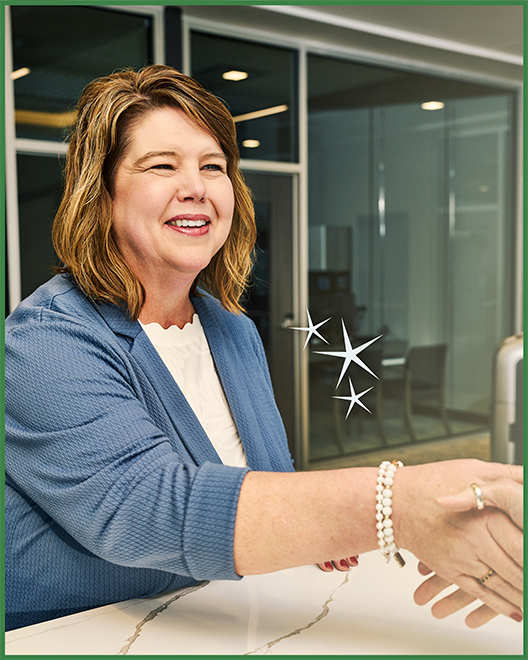
An OakStar Bank team member welcoming customers with community-focused banking.

About OakStar

Big-bank resources. Hometown heart. 

OakStar Bank was founded in 2005 in Springfield, Missouri, and has grown from a single location into a strong presence across Missouri, Kansas, and Colorado. We’re deeply rooted in our communities and proud to serve the places we call home.


We focus on delivering personalized service and building long-term relationships—combining the capabilities of a large financial institution with the care and responsiveness of a hometown bank.


OakStar Bank team members building relationships with customers.

Where relationships matter more.

Whether you’re managing daily finances, purchasing a home, or growing a business, our team takes the time to understand your goals and deliver tailored solutions. 

We prioritize clear communication, thoughtful guidance, and coordinated, people-first service—always supported by the tools and expertise to create a seamless experience for you.

OakStar Bank team members discussing SBA lending expertise and business financing.

Expertise that moves you forward.

As a Small Business Administration (SBA) Preferred Lender, OakStar is consistently recognized among the top SBA lenders regionally and nationwide.* 

We're honored to be ranked the #1 SBA 7a lender in Missouri and Kansas, a top lender by volume in the Kansas City District, and among the top 100 SBA lenders in the nation*—reflecting our experience and ongoing commitment to the communities we serve.  

*According to the National Association of Government Guaranteed Lenders.


bg-platinum


bg-cream


bg-navy


Let’s build a banking solution for you.

Explore our services or connect with a team member

 Get Started


quick answers

FAQs


Call 417.447.0535 or message us through your digital banking dashboard for 24/7 support* from an OakStar team member.

*Closed according to holiday closures.

Call 417.447.0535 or send a secure message through your digital banking dashboard to reach our Experience Center and speak with a real OakStar Bank team member 24/7.

*Closed according to holiday closures.

OakStar Bank Visa Debit card holders can access surcharge-free ATM withdrawals nationwide through our partnership with MoneyPass® Network.

Transactions at ATMs outside of the MoneyPass® Network may incur third-party operator and out-of-network fees.

Yes, we offer a full suite of business banking and lending options.

Our Corporate Services and Merchant Services departments specialize in tailoring business and payment solutions for our business clients, while our Cash Management suite provides specialized tools for remote deposits, treasury management, and fraud prevention.

Our SBA department provides financing for a variety of business needs and opportunities.

Our Pocket Change tool helps grow your savings in the background.

Simply enroll your account and then use your OakStar Visa Debit card as you normally would. Each purchase is rounded up to the nearest dollar and the difference is automatically deposited in your savings.

Enrollment required.

Digital banking brings many of the services of your local branch into one convenient experience you can access from your desktop, phone, or tablet.

You can manage accounts, move money, deposit checks, pay bills, and take care of everyday tasks—on your schedule, from wherever you are. 

Online banking allows you to access your accounts through a desktop computer, while mobile banking provides access through the OakStar Bank Mobile app on your phone or tablet.

While there are some small differences between the two, both are part of your digital banking experience and offer secure, consistent access to your accounts.

Most login or access issues can be resolved quickly with a few simple steps.

Try these first:

Make sure your OakStar app is up to date. Only the most recent versions are supported.

Remove your profile and log in again. This clears stored login data on your device and resolves the majority of access issues. To remove your profile:

  • Press and hold the user profile icon in the top-right corner of the app.
  • When the Select profile window appears, choose the profile you want to remove.
  • Select Remove. 
  • When you log back in, you'll need your username, password, and 2FA code.

If you're locked out: Update your app first, then remove your profile before resetting your password.