




A customer growing savings with an OakStar Bank personal savings account.

Everyday Savings

A simpler way to grow your savings.

Earn interest while building toward your financial goals with this traditional savings account. Open online or in person to get started.
 
Details
  • $100 minimum to open an account

  • Can be linked to your debit card for transfers/withdrawal. ATM only; no point-of-sale purchases

  • Unlimited in-person transfers and withdrawals

  • Online and mobile banking

  • Interest rate collected on daily balance

  • Maintain a $100 daily balance to avoid the $8.00 quarterly maintenance fee


Pair Everyday Savings with these tools and make the most of your account experience.

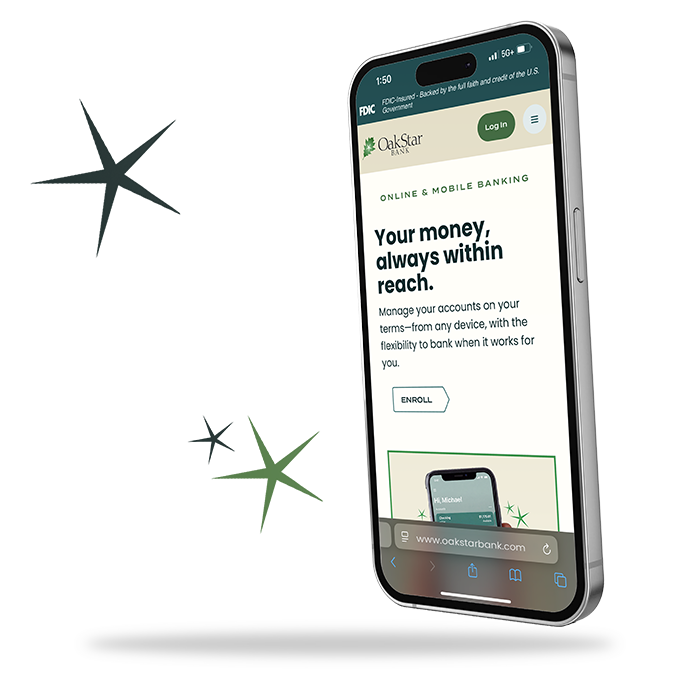
Online and mobile banking

Convenient access, confident banking.

Use online banking or the OakStar Mobile app to stay on top of your finances with secure, easy-to-use tools.

See how

Pocket Change

Turn everyday spending into everyday saving.

By rounding purchases up to the nearest dollar and transferring the change to savings, Pocket Change makes it easy to save without changing your routine.

Enroll my account


bg-platinum

Ready to take your next step with OakStar?

Whatever you need, we're here with the accounts, services, and solutions to match your personal banking style. Open an account online, visit a branch, or connect with an OakStar team member to get started.


quick answers

FAQs


Call 417.447.0535 or message us through your digital banking dashboard for 24/7 support* from an OakStar team member.

*Closed according to holiday closures.

Digital banking brings many of the services of your local branch into one convenient experience you can access from your desktop, phone, or tablet.

You can manage accounts, move money, deposit checks, pay bills, and take care of everyday tasks—on your schedule, from wherever you are. 

Most login or access issues can be resolved quickly with a few simple steps.

Try these first:

  • Make sure your OakStar app is up to date. Only the most recent versions are supported.
  • Remove your profile and log in again. This clears stored login data on your device and resolves the majority of access issues. To remove your profile:
    • Press and hold the user profile icon in the top-right corner of the app.
    • When the Select profile window appears, choose the profile you want to remove.
    • Select Remove. 
    • When you log back in, you'll need your username, password, and 2FA code.
  • If you're locked out: Update your app first, then remove your profile before resetting your password.

In digital banking, select the account you’re looking for and scroll to the Details section to view your routing and account numbers.

OakStar Bank’s routing number is 086519159. You can also find it at the bottom of any page on our website.

Call us immediately at 417.447.0535 to report the lost or stolen debit card and request a replacement.

Some accounts can be opened online by clicking the Get Started button in the top, right corner of each page on our website. 

You may also visit your nearest OakStar to open an account in person and learn more about our account options.

Our Experience Center is here to help. Contact us by:

  1. Log into online banking.

  2. Select an account and choose Settings.

  3. Choose Statements.

  4. Choose Sign Up/Changes.

  5. Select the accounts you want to enroll or Enroll All Available Accounts.

  6. Click Save Settings.